
A Windows desktop CRM that works offline
Harpiyo CRM is a locally installed Windows application. Your contacts, notes, activities and documents are stored on your own computer — no continuous internet connection is required for everyday use.
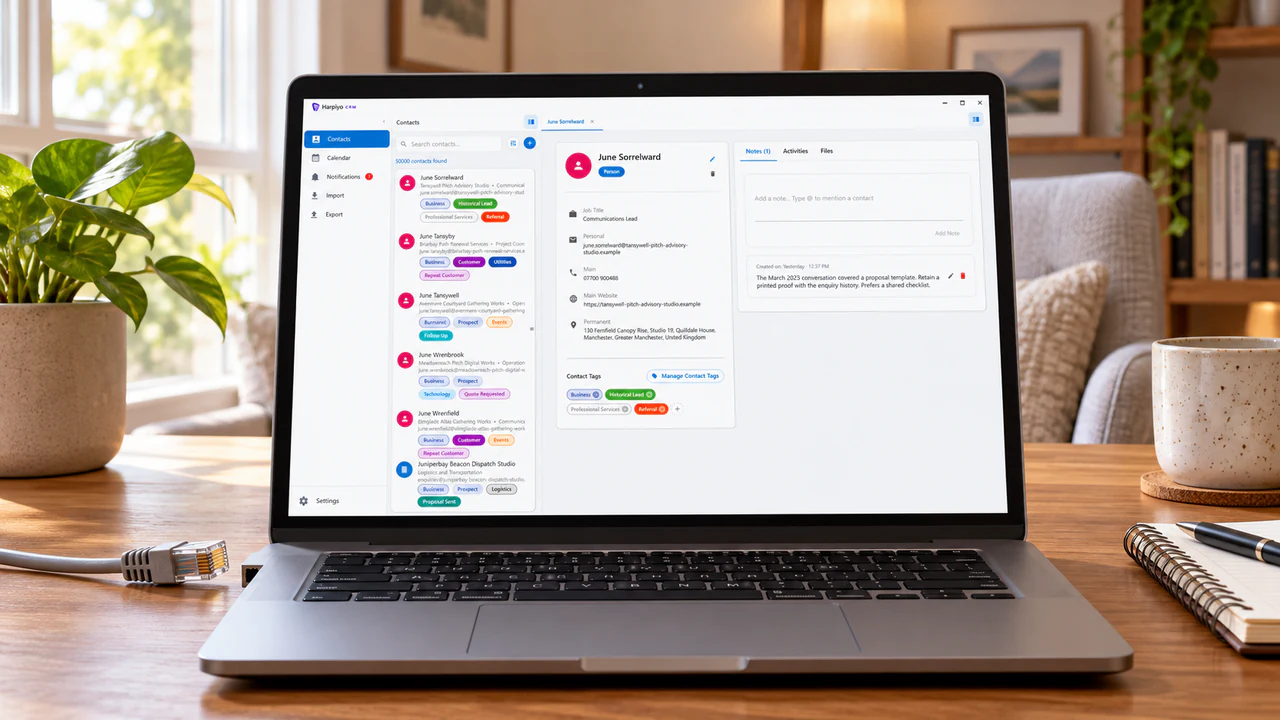
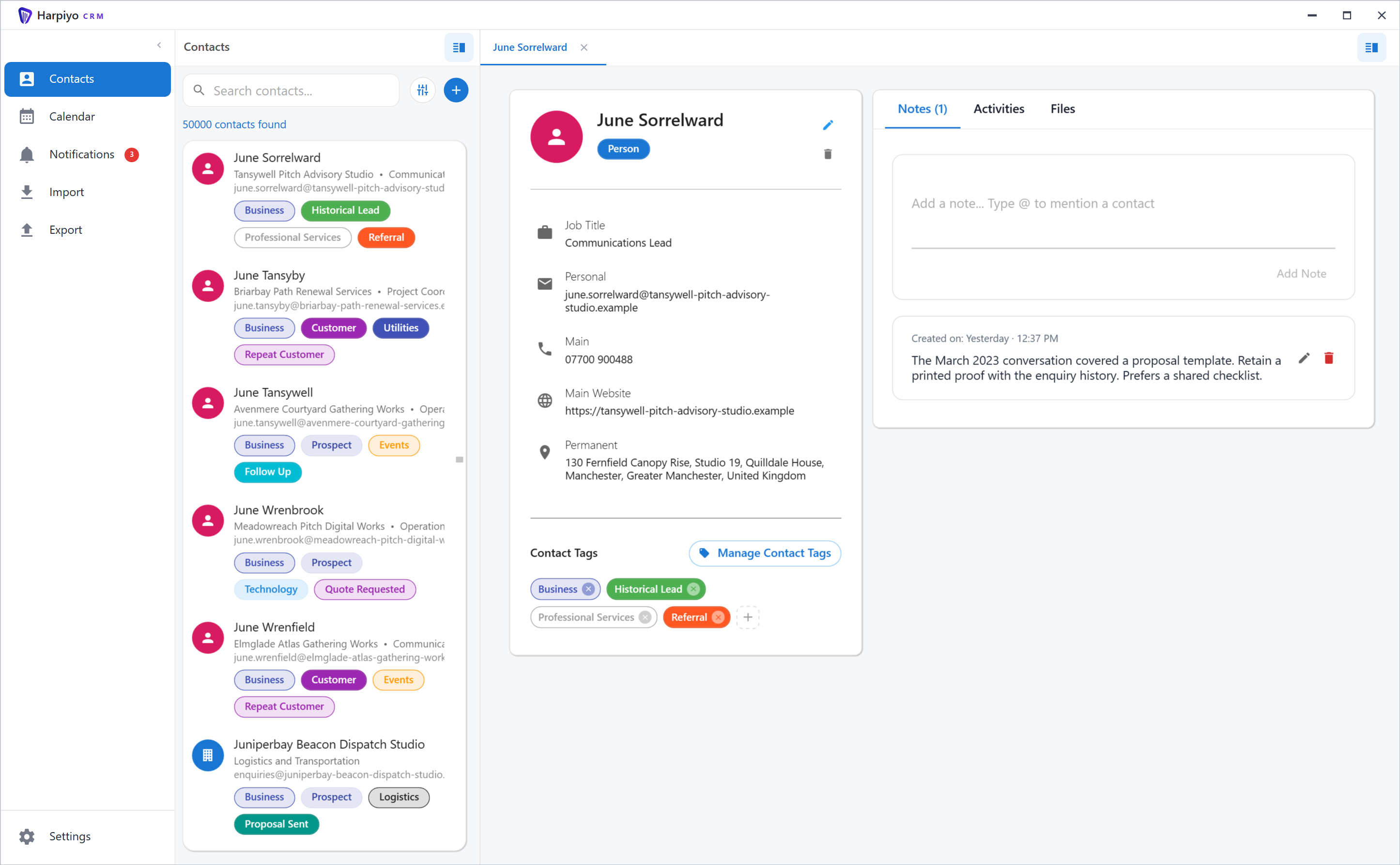
Use your CRM without a continuous internet connection
Because Harpiyo CRM is installed locally on your Windows computer and stores data locally, you can use it without needing a continuous internet connection. Everyday CRM tasks — viewing contacts, writing notes, recording activities, reviewing your calendar — work whether you are connected or not.
Many cloud CRM products require an internet connection to access data stored on the provider's servers. Harpiyo CRM instead stores its CRM database locally on the user's computer.
When internet is still needed: Downloading or updating Harpiyo CRM through Microsoft Store requires an internet connection, as does the initial installation. Quick contact actions that open external services (email clients, websites) also depend on those services being accessible.
Why choose a desktop CRM?
Windows workflow
Use Harpiyo CRM as a normal Windows desktop application alongside your other tools.
Locally stored data
Your CRM data is stored on your own computer — not in a third-party cloud database.
No browser required
The application is installed and runs locally, without needing a browser tab open.
Focused individual use
Designed around one person's CRM workflow, not a large team's shared pipeline.
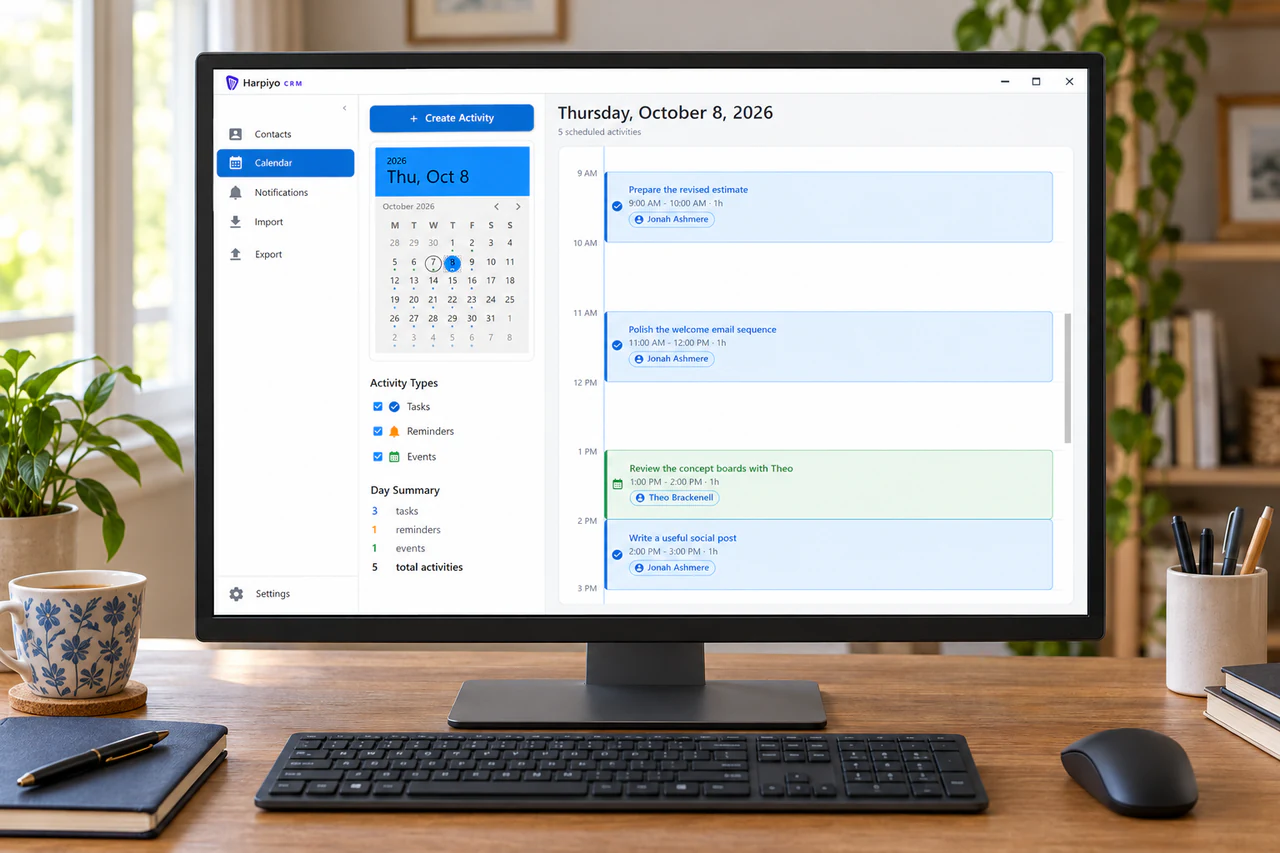
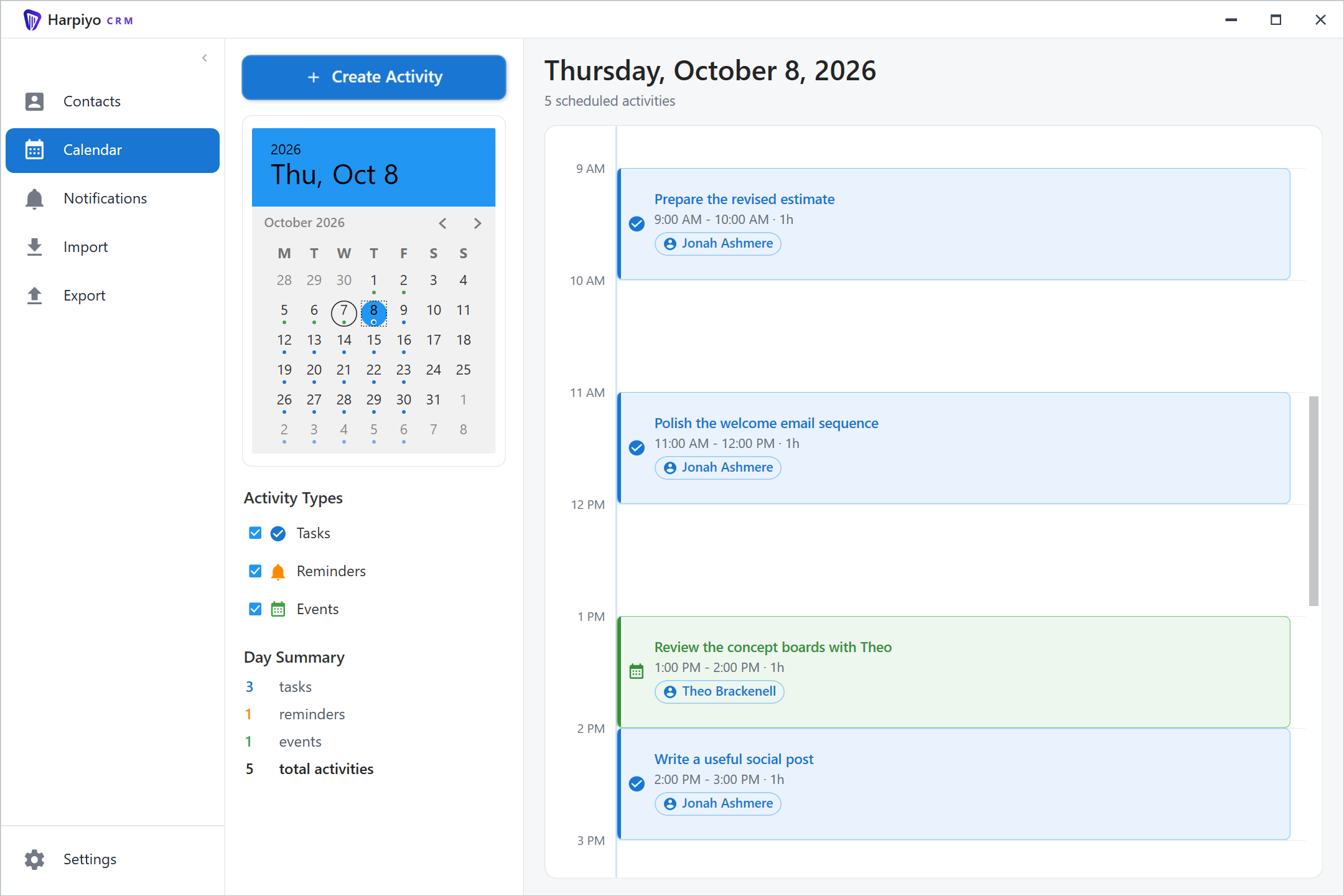
Built for Windows
Harpiyo CRM is planned for release through Microsoft Store for Windows. It is designed to fit naturally alongside the other desktop applications you use on Windows.
When a cloud CRM may be a better fit
Harpiyo CRM is not intended to replace a collaborative cloud CRM used simultaneously by a large sales team.
If your organisation requires extensive shared pipelines, team administration and real-time collaboration across multiple users, a larger cloud CRM platform may be more appropriate.
Want a CRM built for your Windows desktop?
Coming soon to Microsoft StorePreparing for release on Microsoft Store